
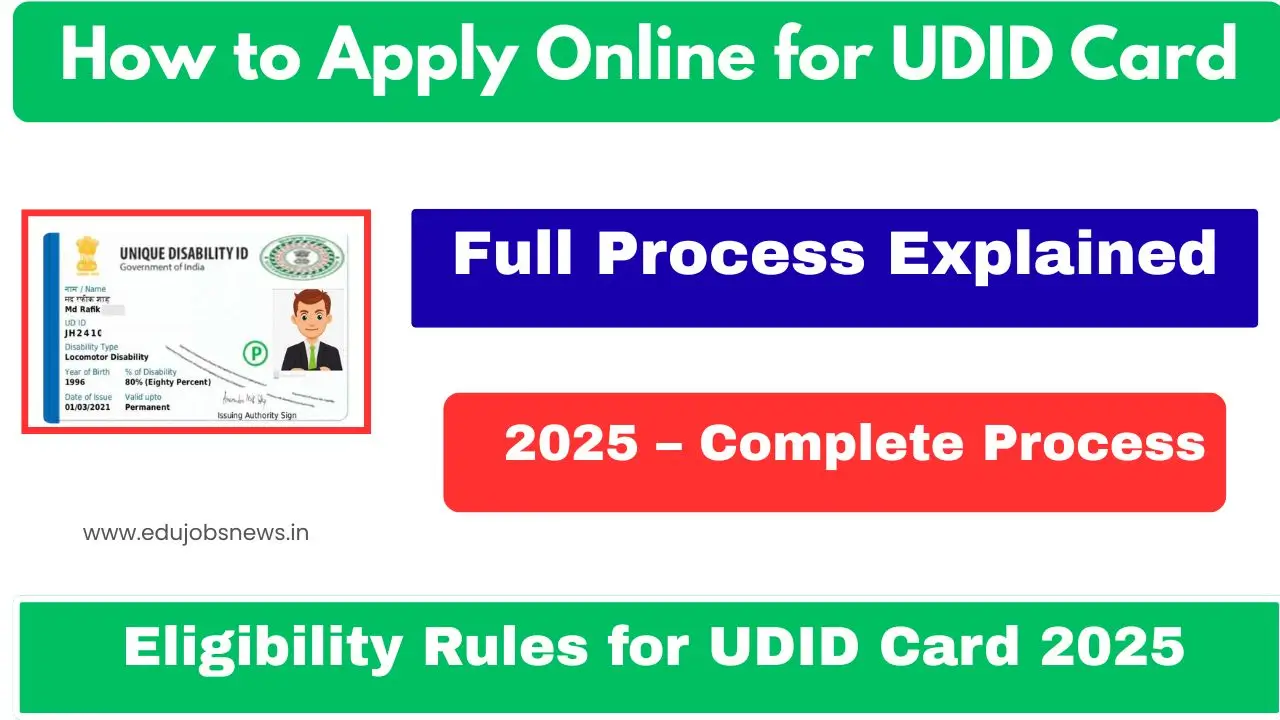
The Department of Empowerment of Persons with Disabilities has streamlined the Unique Disability ID Card application through the Swavlamban Portal. Persons with Disabilities across India can now register and apply online for their disability certificate and UDID card. The portal covers 21 disability categories and ensures a transparent process for accessing government benefits. Aadhaar-based e-KYC has been mandatory since June 6, 2025, for all applicants. The UDID card serves as a single document for identification and verification, enabling PwDs to access travel concessions, healthcare benefits, and educational schemes.
- 1 UDID Card Application 2025 Overview
- 2 How to Apply Online for UDID Card 2025
- 3 Direct Link to Access UDID Application Portal
- 4 UDID Card Application Process Flow
- 5 Documents Required for UDID Card Application
- 6 Details Mentioned in the UDID Card
- 7 What Happens After Application Submission
- 8 Frequently Asked Questions
- 9 Important Links
UDID Card Application 2025 Overview
| Particulars | Details |
|---|---|
| Card Name | Unique Disability Identity Card (UDID) |
| Issuing Authority | Department of Empowerment of Persons with Disabilities |
| Ministry | Ministry of Social Justice and Empowerment |
| Eligible Applicants | All Persons with Disabilities (PwDs) |
| Application Mode | Online (Offline also accepted) |
| Disability Categories Covered | 21 Types |
| e-KYC Requirement | Aadhaar-based (Mandatory since June 6, 2025) |
| Card Delivery | By Speed Post to registered address |
| Official Website | swavlambancard.gov.in |
The UDID project creates a national database of Persons with Disabilities while ensuring uniformity in benefit delivery across all states and union territories.
How to Apply Online for UDID Card 2025
Follow these steps to complete your UDID card application:
- Visit the official Swavlamban Portal at swavlambancard.gov.in
- Click on the Register link to create your account
- Fill in Personal Details including name, mobile number, and date of birth
- Enter your Address Details with complete information
- Provide Disability Details selecting from 21 categories
- Add Employment Details if applicable
- Complete Identity Details with Aadhaar information
- Upload your colour passport photograph (size: 5KB to 100KB)
- Upload your signature image (size: 3KB to 30KB)
- Upload identity proof and address proof documents
- Upload existing disability certificate if you have one
- Select the hospital for assessment from available options
- Complete the CAPTCHA verification
- Read the declaration and tick the checkbox
- Click Submit to send your application
After submission, note down your application number for tracking purposes.
Direct Link to Access UDID Application Portal
The official application facility is available on the Swavlamban Portal. Applicants can directly access the registration page and begin their application process. The portal remains accessible round the clock for new registrations and application tracking.
UDID Card Application Process Flow
| Stage | Activity | Responsible Authority |
|---|---|---|
| Stage 1 | Online Registration & Application | Applicant (PwD) |
| Stage 2 | Application Verification | CMO Office/Medical Authority |
| Stage 3 | Disability Assessment | Specialist Doctor |
| Stage 4 | Case Review & Percentage Assignment | Medical Board |
| Stage 5 | Certificate & UDID Generation | CMO Office |
| Stage 6 | Card Printing & Dispatch | DEPwD |
The entire process from application to card delivery takes place through a coordinated digital workflow involving multiple authorities.
Documents Required for UDID Card Application
Keep these documents ready before starting your application:
- Recent colour photograph (passport size, 5KB-100KB)
- Scanned signature (3KB-30KB)
- Aadhaar Card (mandatory for e-KYC verification)
- Address proof (Aadhaar/Driving License/State Domicile)
- Identity proof (Aadhaar/PAN Card/Driving License)
- Existing disability certificate (if previously issued)
- SC/ST/OBC certificate (if applicable)
- Income proof (if required for specific schemes)
All documents must be uploaded in the specified file size format for successful submission.

Details Mentioned in the UDID Card
The final UDID card contains the following information:
- Cardholder’s full name
- Unique Disability ID number
- Photograph of the applicant
- Type of disability
- Disability percentage assigned by Medical Board
- Date of issue
- Validity period
- QR code for digital verification
- Registered address
Verify all printed details upon receiving your card and report discrepancies immediately.
What Happens After Application Submission
Once you submit your application, the following stages occur:
Hospital Visit: Check your application status on the portal. When it shows “submitted,” visit the assigned hospital’s disability section for verification.
Medical Assessment: A specialist doctor examines your condition and prepares a detailed report on your disability type and severity.
Medical Board Review: The board reviews the specialist’s findings and assigns the official disability percentage.
Card Generation: Upon approval, the CMO Office generates your disability certificate and UDID card electronically.

Dispatch: The Department of Empowerment of Persons with Disabilities sends the physical card via Speed Post to your registered address.
Frequently Asked Questions
Who can apply for a UDID card?
All Persons with Disabilities across India can apply for a UDID card through the official Swavlamban Portal.
Is Aadhaar mandatory for UDID application?
Yes, Aadhaar-based e-KYC has been mandatory since June 6, 2025, for all UDID applicants.
How many disability types are covered under UDID?
The portal currently covers 21 disability categories with provisions for future additions.

Will the UDID card be sent by post?
Yes, the final UDID card is dispatched via Speed Post to the address mentioned during registration.
Can I track my application status?
Yes, applicants can track their application status by logging into the Swavlamban Portal using their credentials.
What if my application was rejected?
You can reapply through the portal by selecting the option for previously rejected applications and providing updated information.
Can I update my address on an existing UDID card?
Yes, active UDID cardholders can now update their address in the disability certificate through the portal.
Important Links
| Description | Link |
|---|---|
| Official Swavlamban Portal | https://swavlambancard.gov.in |
| Apply for UDID | https://swavlambancard.gov.in/Applyudid |
| Know More About UDID | https://swavlambancard.gov.in/know-more-about-udid |

Hello! I am Prayan Malhotra, the Founder and Author of EduJobsNews.in. This platform was created with a single aim — to provide accurate, timely, and easy-to-understand updates on job opportunities across India. I am directly involved in researching, writing, and reviewing content to ensure it remains clear, relevant, and trustworthy for readers.